

WhatsApp Usernames Are Here: What's Launching and How to Set Yours Up on WhatsPortal
WhatsApp usernames are officially rolling out. Understand the difference between personal and business usernames, the format rules, and how to claim yours directly from WhatsPortal.

For as long as WhatsApp has existed, you've had exactly one identity on it: a phone number.
You couldn't choose it, brand it, or hide it. Anyone who wanted to reach you needed those ten digits — and anyone you messaged got them too.
That's now changing.
1. What Is the Username Feature?
Meta has officially confirmed that usernames are rolling out across WhatsApp — a unique, chosen handle that sits alongside your phone number rather than replacing it.
Once live:
- Anyone can pick a unique handle and share it instead of their phone number
- Usernames are globally unique — no two accounts can share one
- Claiming is first-come-first-served, with no discriminator or tag system like some chat apps use
In simple terms: It's the same shift Instagram and Telegram made years ago — from "find me by number" to "find me by handle."
Reservations for personal usernames opened this week, with the full feature rolling out gradually over the rest of the year. Businesses running on the WhatsApp Business API — including everyone on WhatsPortal — get a separate, business-specific version of this.
2. The Two Usernames You Need to Know
"Username" means something slightly different depending on who's setting it up.
Personal usernames are a privacy feature. They let individuals hide their phone number from people they're chatting with for the first time. Once set, the other person sees your username, not your digits.
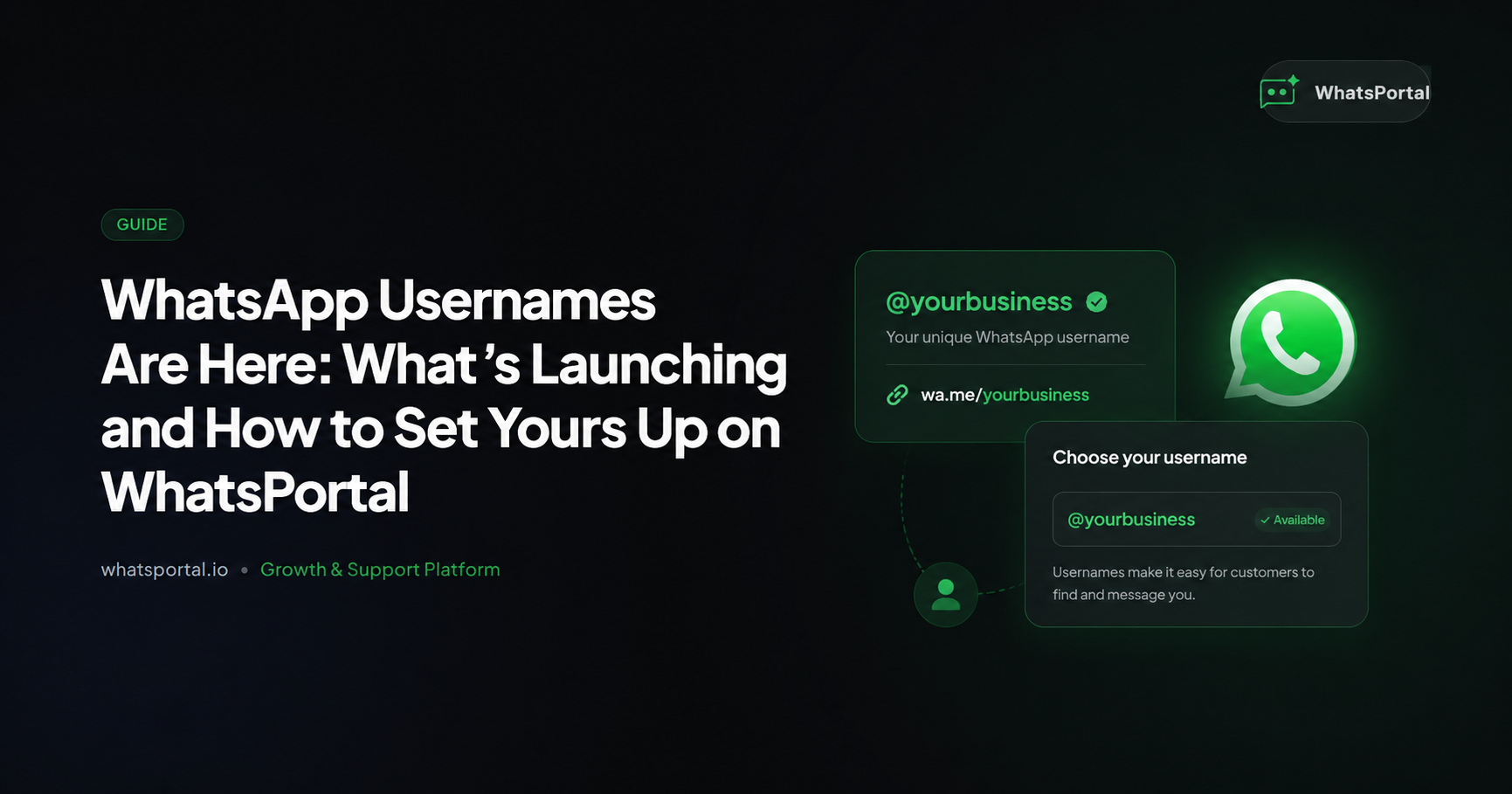
Business usernames are a discoverability feature, not a privacy one. Your business phone number doesn't go anywhere — it still appears on your profile, and it's still required to run your WhatsApp Business Account. What changes is that customers can now also find and message you using a handle like @yourbrand, instead of needing to save or remember a number.
Key distinction: A personal username replaces what the other person sees. A business username adds a second way to be found — your number stays visible either way.
3. Personal vs. Business Usernames, Side by Side
| Personal Username | Business Username | |
|---|---|---|
| Purpose | Privacy | Discoverability / branding |
| Phone number visibility | Hidden from new contacts | Always visible |
| Who can claim one | Any individual user | WABA-connected businesses |
| Searchable in-app | No — exact match only | No — exact match only |
| Set via | Settings → Account/Profile → Username | WhatsPortal → Workflow Settings → WhatsApp Settings → Profile Settings |
| Uniqueness | One per account, globally unique | One per business phone number, globally unique |
4. Username Format Rules
Before you pick one, know the constraints Meta enforces:
- 3 to 35 characters
- Lowercase letters, numbers, periods (
.), and underscores (_) only - Must include at least one letter
- Can't end in a domain-style suffix — no
.com,.net,.in, etc. - Can't impersonate another person, business, or brand
Watch out: Periods and underscores are treated as distinct characters.
yourbrand,your.brand, andyour_brandare three separate, independently claimable handles — decide upfront if you want to lock down more than one variant.
5. Setting Up Your Username on WhatsPortal
If you're running your WhatsApp Business Account through WhatsPortal, configuring your username takes under a minute — no Meta Business Suite detour, no developer involved.
- Go to Workflow Settings > WhatsApp Settings
- Click on Profile Settings
- Find the Username option and add your username
Once submitted, your chosen handle goes through Meta's standard review before it appears live on your business profile.
Coexistence users: If your WhatsApp Business Account is running in coexistence mode (linked to a WhatsApp Business mobile app), you'll need to set your username directly from the WhatsApp Business mobile app instead — go to Settings → Business tools → Username. The Profile Settings screen in WhatsPortal may not surface the username field for coexistence-mode accounts.
Tip: Match your username to your Display Name or your existing Instagram/Facebook handle. Businesses that already hold a matching social handle get earlier access to claim the equivalent WhatsApp username — consistency now saves you a rebrand later.
6. Changing or Removing Your Username Later
Usernames aren't permanent. You can update or remove yours from the same Profile Settings screen if your branding changes or you want to switch to a different handle.
A few things to plan around:
- Changing your username frees up the old one for anyone else to claim — don't give one up unless you're certain
- Frequent changes undercut the entire point of a username: a memorable, sourceable handle that customers can recall without thinking
Rule of thumb: Treat your username like a domain name, not a display name. Pick it once, pick it carefully, and avoid touching it.
7. Checking Whether Your Handle Is Still Available
There's no public, standalone "availability checker" yet — the way there is for, say, registering a domain. The most reliable way to know if your preferred handle is open is simply to attempt to claim it from Profile Settings in WhatsPortal and see whether Meta accepts or rejects it.
Don't wait to find out. Because claiming is first-come-first-served and usernames are unique across the entire platform, the only way to "reserve" a handle is to actually take it. Sitting on a decision costs you the name.
8. What Shows Up in Webhooks Once It's Live
If you're integrating WhatsApp programmatically, username changes on your business account surface through a dedicated webhook field: business_username_update.
{
  "object": "whatsapp_business_account",
  "entry": [
    {
      "id": "<WABA_ID>",
      "time": 1751234567,
      "changes": [
        {
          "field": "business_username_update",
          "value": {
            "display_phone_number": "15550783881",
            "username": "yourbrand",
            "status": "reserved"
          }
        }
      ]
    }
  ]
}
Subscribe your app to this field if you want to track the username lifecycle (reserved, approved, rejected) without manually checking the dashboard. This is management metadata only — it doesn't carry customer message content, so it's safe to log alongside your existing WABA event handling.
Note: This is separate from BSUID-related message-path payloads. Username events tell you about your account's identity; BSUIDs tell you who you're messaging.
9. The Rollout Timeline
Reporting on exact dates has varied by market and by week, which is normal for a feature this size mid-rollout. Here's the arc as it's currently understood:
- Spring 2026 — Limited beta opens to a small set of users and businesses
- Business handles, ahead of public launch — Businesses with a verified Display Name, Meta Verified Name, or matching Instagram/Facebook handle get early access to reserve the equivalent WhatsApp username
- Late June 2026 — Personal username reservations open broadly; full personal rollout begins "gradually over the coming months"
- Through the rest of 2026 — Country-by-country rollout continues, with businesses expected to have backend systems (CRMs, bots, support tools) updated to handle username- and BSUID-based identification well before usernames become the default for users who adopt them
Don't wait for the "official" date in your country. Reservation windows for matching brand and social handles are opening ahead of public availability — that's the window worth acting in.
10. Common Setup Issues to Watch For
| Issue | Likely Cause | Fix |
|---|---|---|
| Username rejected on submission | Doesn't meet format rules (length, characters, domain-style ending) | Re-check against the rules in Section 4 |
| "Username already taken" | Someone else claimed it first | Try a close variant (. or _ separator) rather than an unrelated name |
| Flagged for impersonation | Handle resembles another known brand or person too closely | Use your verified business name or a clear variant of it |
| Username not appearing on profile yet | Still pending Meta's review | Allow review time; status updates show in Profile Settings or via the business_username_update webhook |
What Do You Think? (Form Your Own Opinion)
This feature is new enough that there's no settled view yet — not among businesses, not among privacy advocates, not even among the BSPs rolling it out to clients.
A few real questions worth sitting with:
Does removing the phone number as the default identifier actually reduce scams — or just create a new kind of impersonation risk?
Hiding your number from strangers is a genuine privacy win. But usernames open a different door: lookalike handles. A scammer registering yourbrand_official or your.brand while the real business holds yourbrand is a familiar problem from every platform that's done this before — Instagram, Telegram, X. Meta's impersonation rules help, but they're reactive, not preventive.
Does "exact match only, no search" quietly favor businesses that are already well known?
A customer can only message you by username if they already know the exact handle — there's no in-app search or discovery. That means the branding payoff is real only if you're already actively pushing your handle through other channels (bio links, packaging, ads). Smaller businesses without existing marketing reach may find usernames add less than the early coverage suggests.
Will good handles become a scarce, tradeable asset — the way domain names did?
First-come-first-served, globally unique, short and memorable handles in high demand: that's the exact setup that produced a secondary market for domain names. It's reasonable to expect early movers and resellers to claim generic or high-value handles before most businesses even know reservations are open.
These aren't reasons to wait. If anything, they're reasons to move first rather than last.
The Bigger Shift
This isn't just a new settings menu.
It's WhatsApp catching up to where Telegram and Signal have been for years, and where Instagram has trained nearly every consumer to expect: identity as a chosen handle, not an assigned number.
For businesses, the practical effect is straightforward — your WhatsApp presence can now be built around your brand name instead of a string of digits a customer has to save to ever message you again.
Final Thought
Reservations are open. Rollout is gradual. The handle you want today might not be there tomorrow.
Claim your username from WhatsPortal → Workflow Settings → WhatsApp Settings → Profile Settings before someone else does it for you — intentionally or not.
Start messaging smarter
WhatsPortal makes WhatsApp Business API simple for your whole team.
Get started free